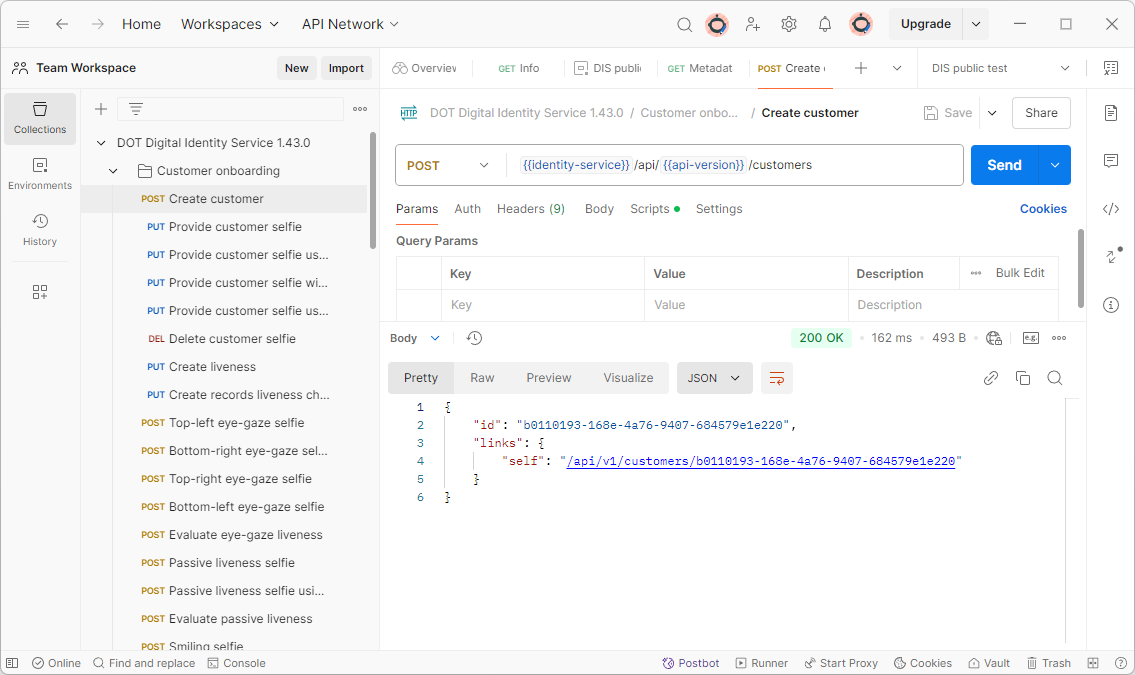
DIS quickstart with Postman
This guide will help you set up an environment for testing Digital Identity Service.
-
Install Postman from link postman.com and run the application
-
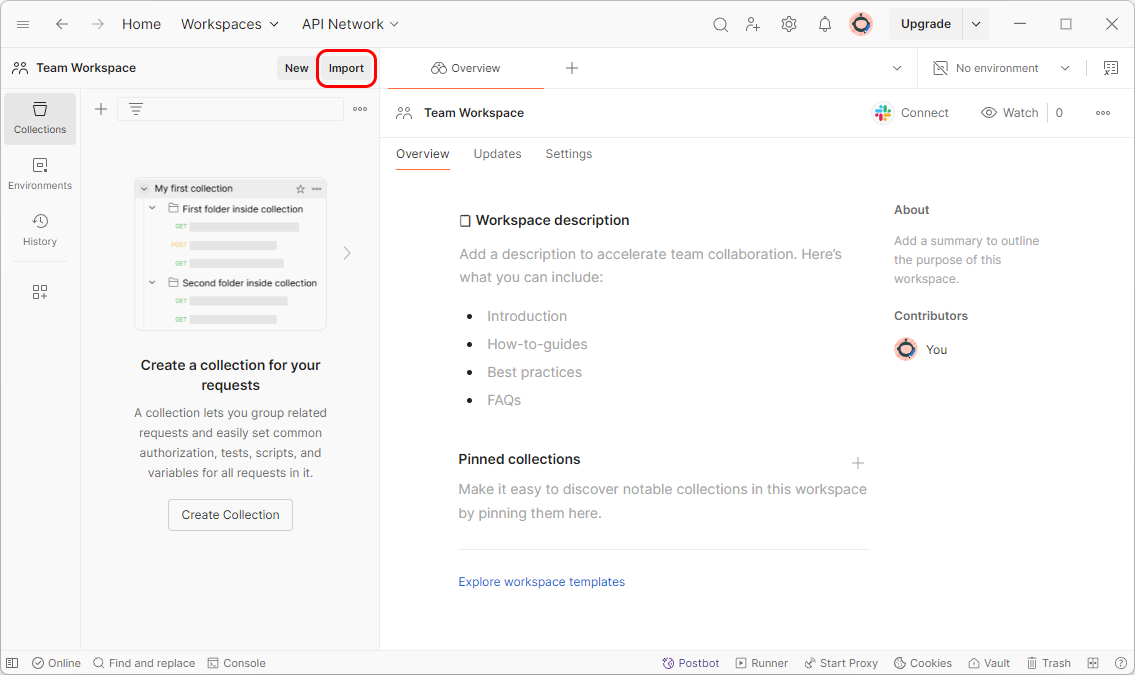
Click on the import button to add new collection
-
Download the latest postman collection JSON
-
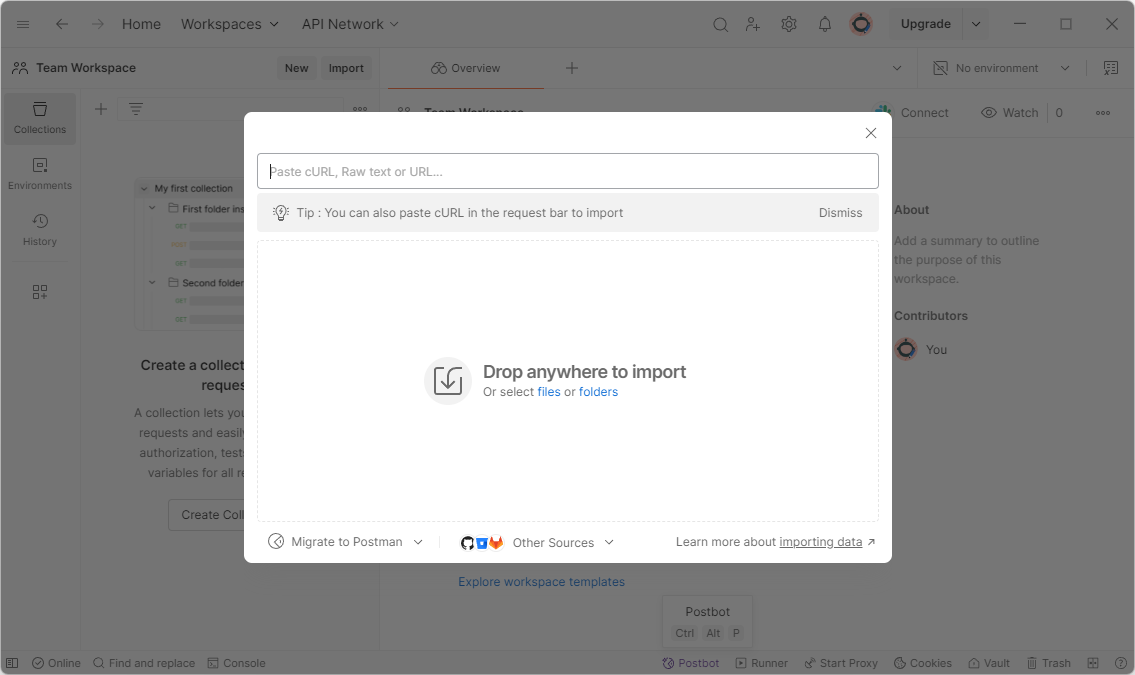
Import the downloaded file
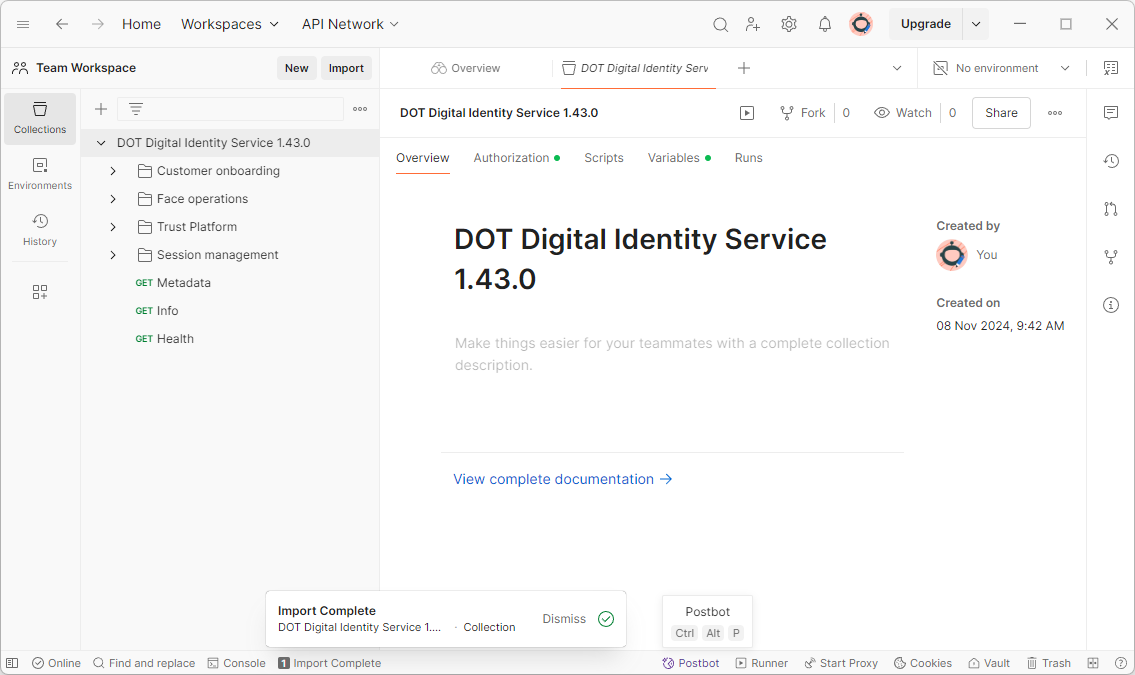
- Click on the
Environmentstab and then on the+icon to create a new environment
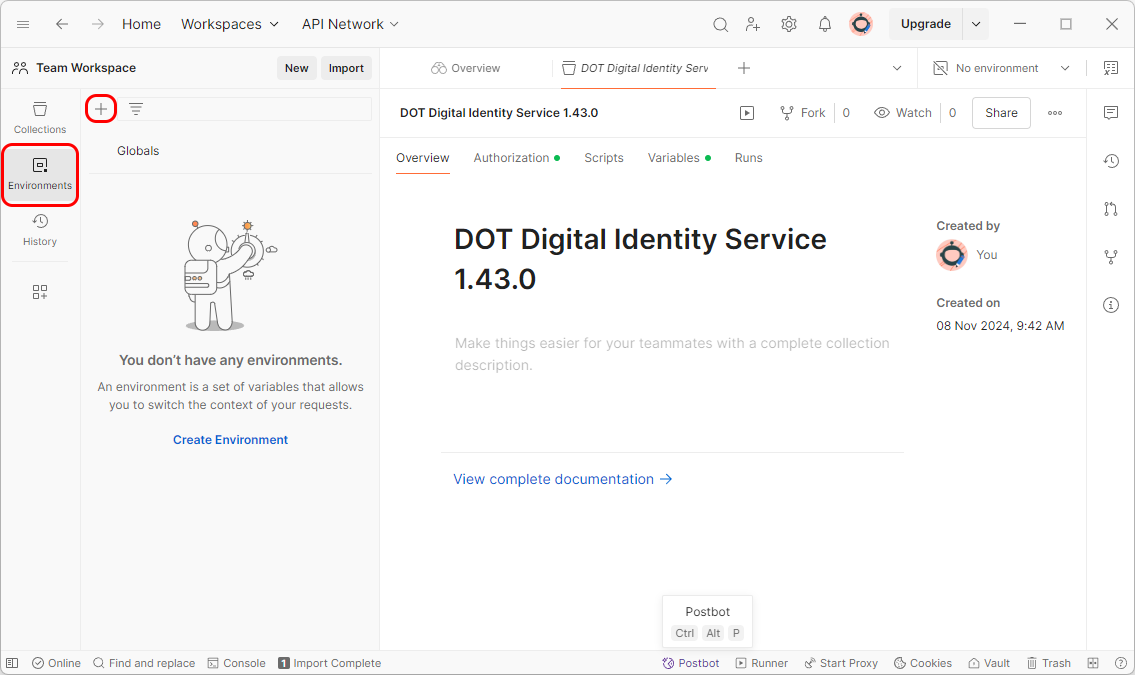 6. Create new environment called
 DIS public test with variable identity-service set to https://dis.idv.innovatrics.com and bearerToken variable with the Bearer token you received from the Innovatrics' sales representative. Then save the new environment (Ctr+S)
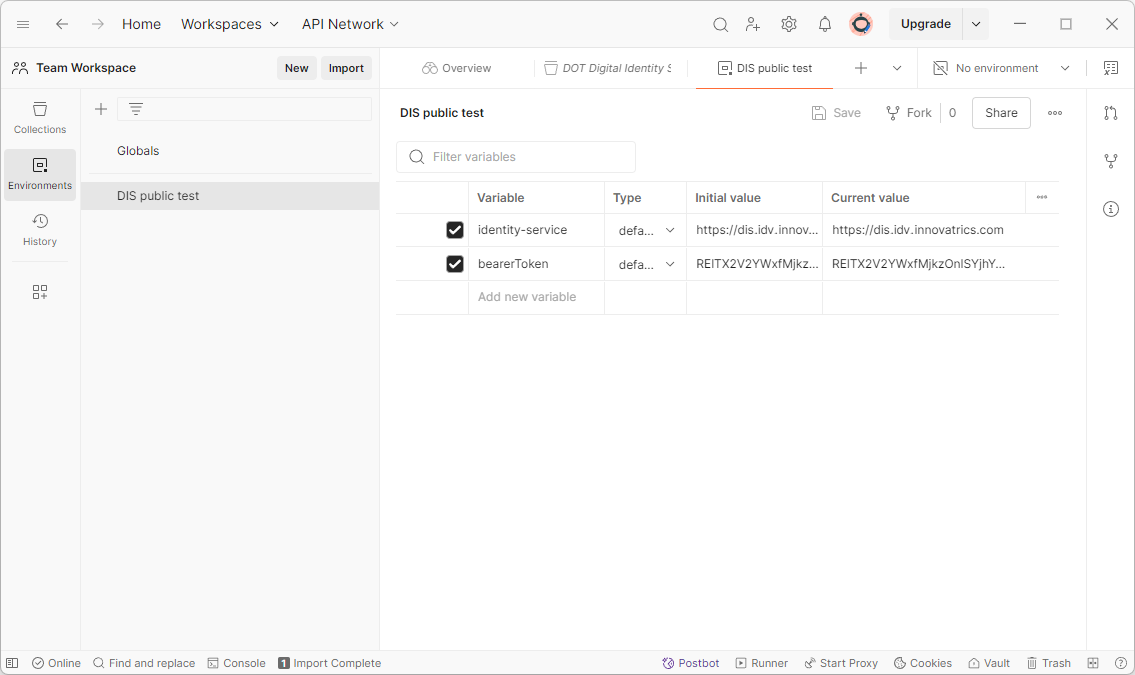
- Go back to
Collectionstab and selectDigital Identity Servicein the left tab to see the requests. Then selectDIS public testin the environment drop down.
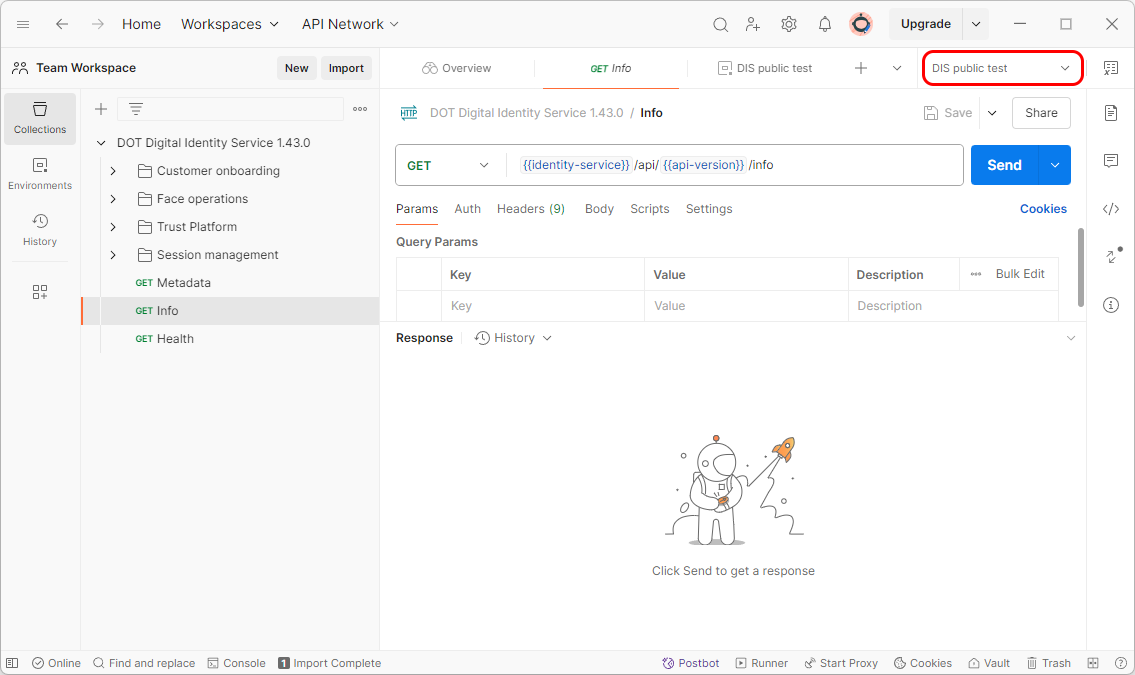
- Test the DIS by calling the
Infoendpoint using theSendbutton.
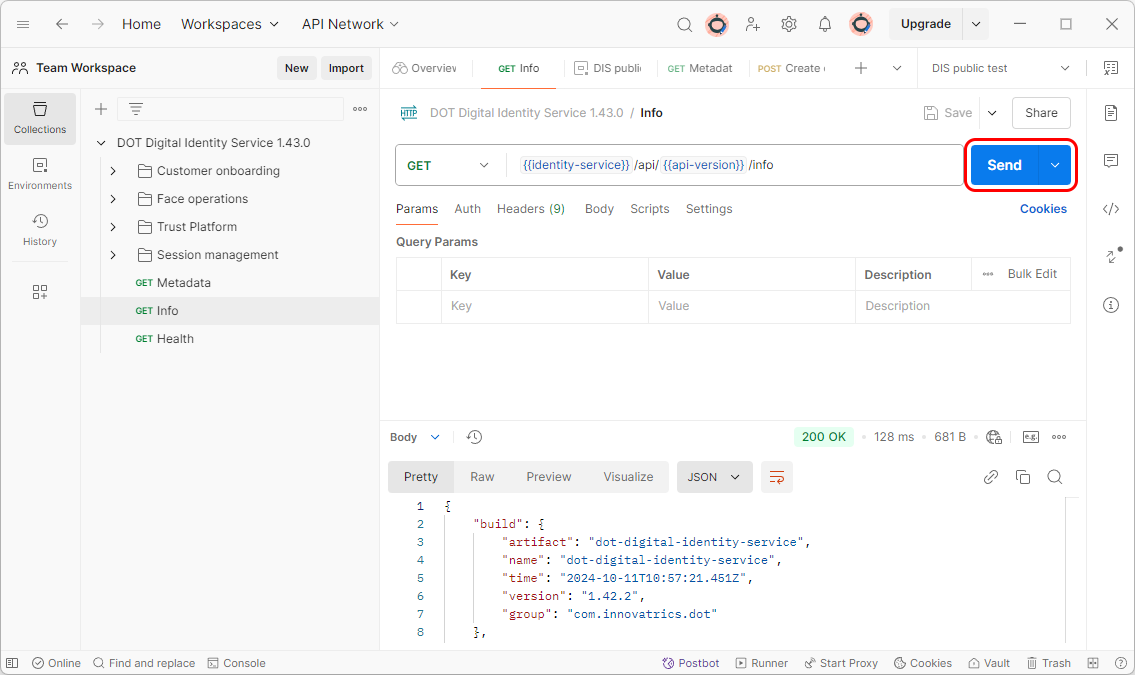
- If your bearer token is valid you will be able to create a customer entity and fill it with data. If your token is not valid, you will receive a 401 error. Please note that tokens generated in the customer portal are not applicable for this test environment.