Dashboard
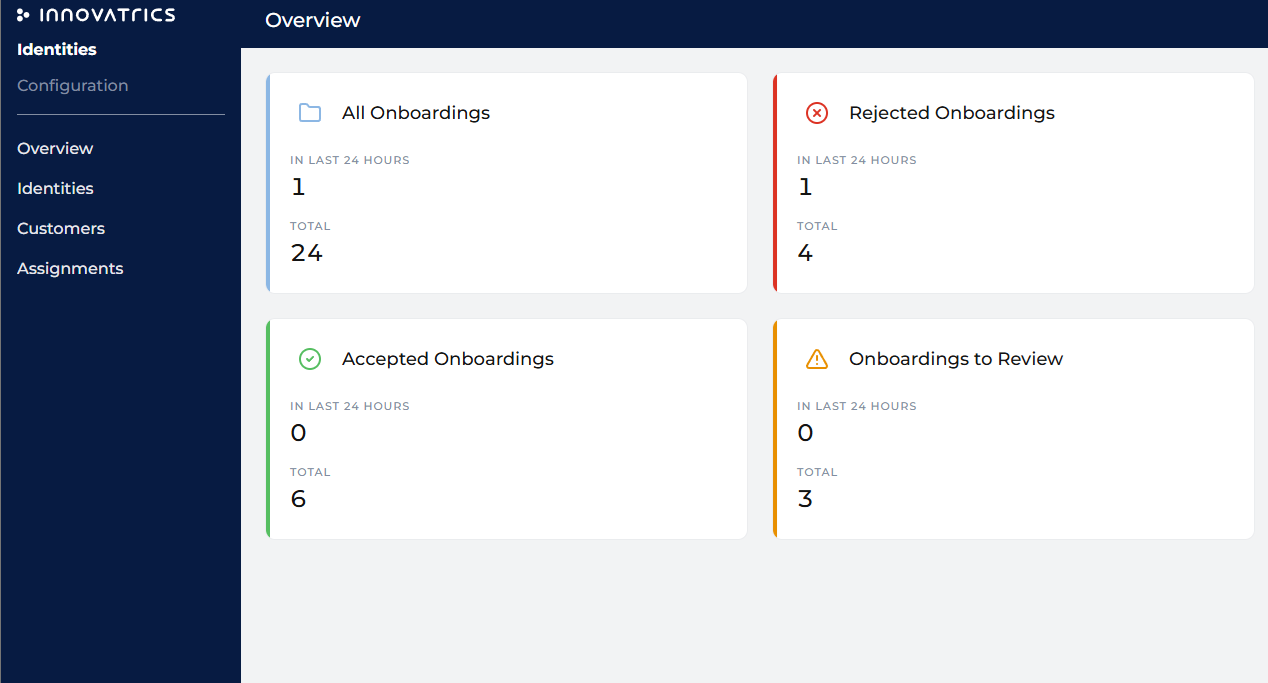
The dashboard is the landing screen of the back office — an at-a-glance view of verification activity and the work waiting for the operator.
Verification statistics
Counters for identity verifications, shown for the last 24 hours and overall:
| Metric | Meaning |
|---|---|
| All | Total verifications. |
| Accepted | Passed automatically. |
| Rejected | Failed checks. |
| To review | Awaiting an operator decision. |
Customer counters
Totals for the Company's population — active Customers and blocklisted people — for a quick sense of scale and fraud pressure.
Review queue
The operator's work list: verifications in the Review state that need a human decision. From here an operator opens a case directly in the Digital Identity detail and works through Manual Review.