REST API
The REST API is the command surface of Face Matcher. You use it to create watchlists, enroll members, identify or verify faces on still images, run liveness checks, and to register and configure cameras and edge streams. Requests and responses are JSON over HTTP using the standard GET, POST, PUT and DELETE methods, so any language with an HTTP client can talk to it. Data querying is deliberately thin on this side; for reporting and event history use the GraphQL API.
Base URL and Swagger UI
| Where the client runs | Base URL |
|---|---|
| On the host or elsewhere on the network | http://localhost:8098 (replace localhost with the server address) |
In a container on face-matcher-network | http://api:8080 |
All endpoints live under /api/v1/. The container always listens on port 8080; Compose publishes it on 8098 on the host, so never use 8098 for in-network traffic. The API ships with a Swagger UI at the base URL, which is the authoritative, version-matched reference for every endpoint and schema: open http://localhost:8098 in a browser, expand a group, pick an endpoint, click Try it out, fill in the request and click Execute.
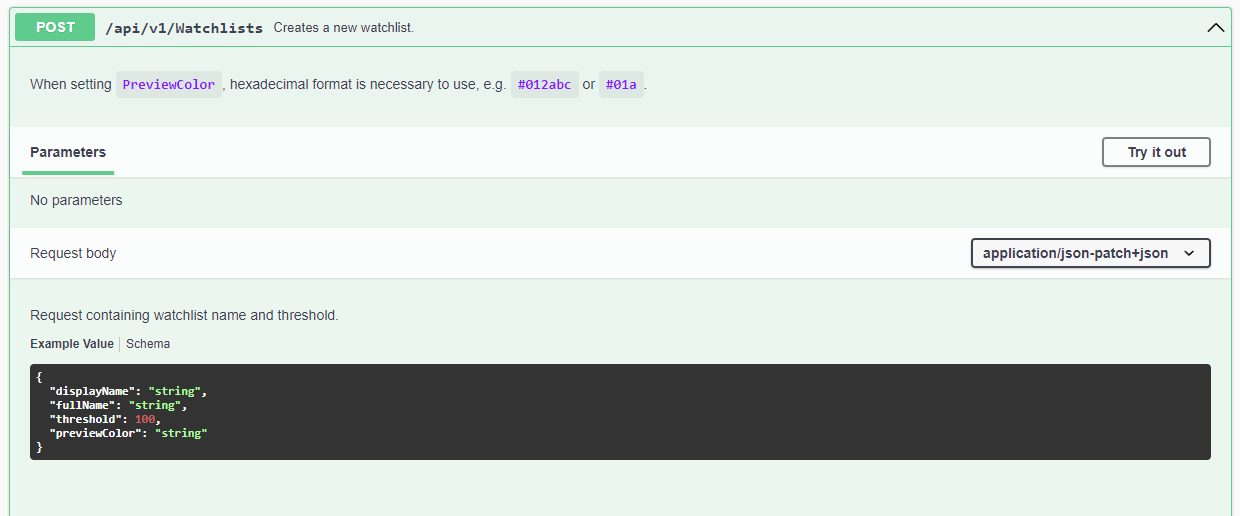
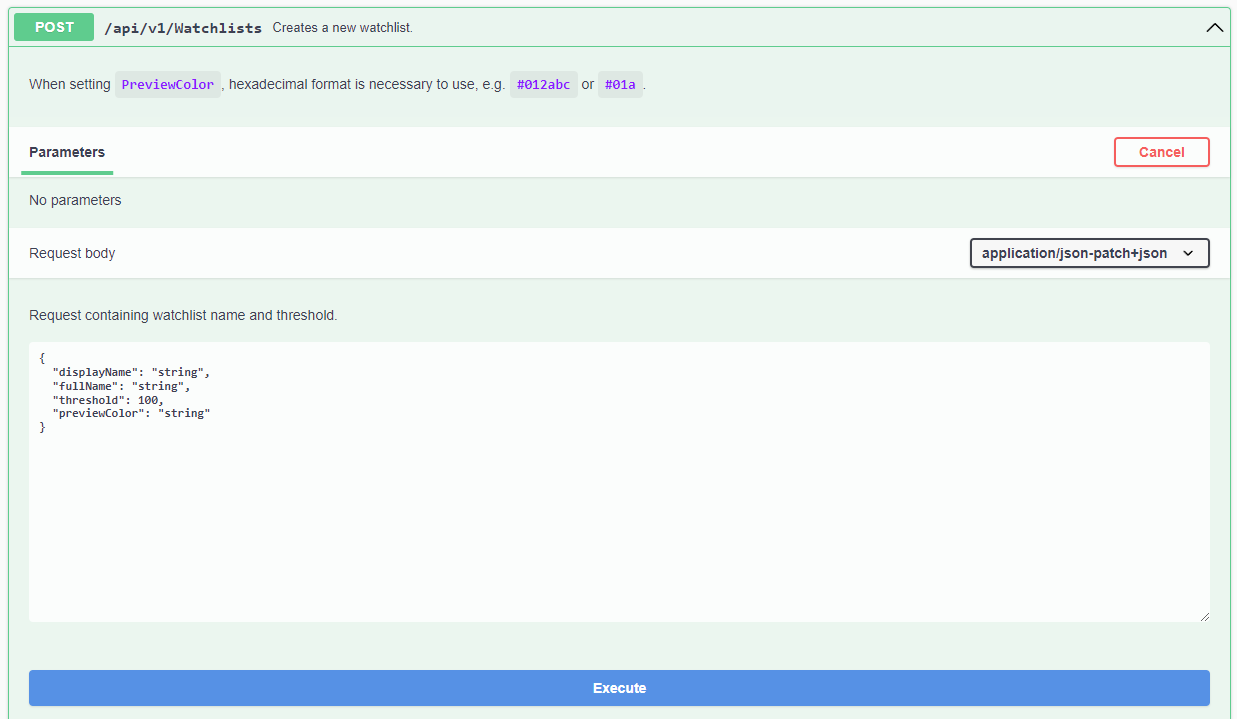
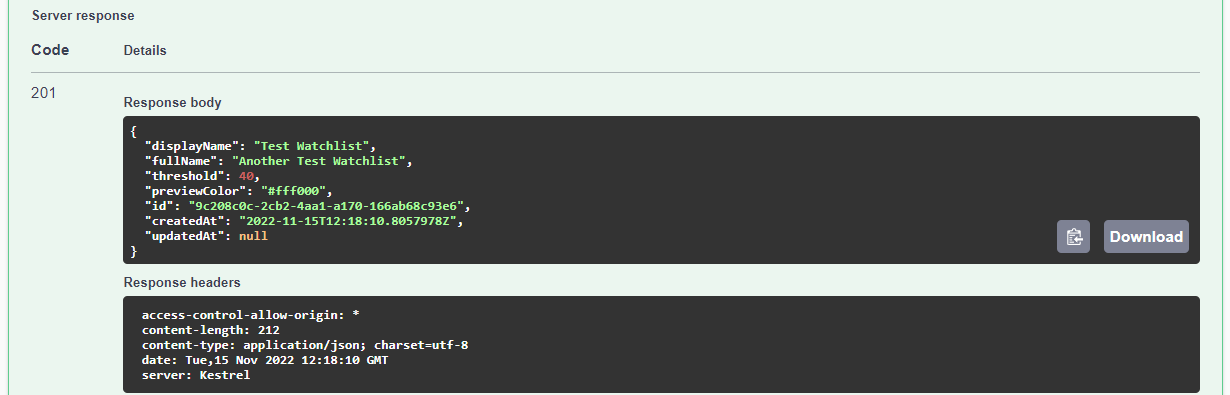
Authentication is off by default. When you enable OAuth2/OIDC with Authentication__*, every call needs a bearer token and Swagger UI gains an Authorize button; see the Authentication guide.
Feature sets
The api service exposes one of four feature sets, selected with the FeatureManagement__* variables in section 3.2 of .env. Full is the default and the one Station requires. The reduced sets are for deployments that expose the API to a third party and want to limit its surface.
| Feature set | Variable | What it exposes |
|---|---|---|
| Full (default) | FeatureManagement__Full=true | Every endpoint group below |
| Watchlist | FeatureManagement__Watchlist=true | API-only identification: watchlists, watchlist members, search, verification, liveness and detection on still images, no camera management |
| Edge | FeatureManagement__Edge=true | Edge stream management and the data they produce (including pedestrians) |
| Detection | FeatureManagement__Detection=true | The Detect endpoint only |
Set exactly one of them to true. FeatureManagement__ReadOnlyWatchlists=true additionally disables PUT, POST and DELETE on the Watchlists and WatchlistMembers groups, which is useful on a Follower where watchlists are managed centrally.
Endpoint groups
| Group | Methods | Purpose |
|---|---|---|
| Camera | GET, POST, PUT, DELETE | Register, configure and remove RTSP cameras; list their tracklets and frames; enable the enhanced preview |
| Detection | POST | Run the detectors on a still image and return bounding boxes without matching |
| EdgeStream | GET, POST, PUT, DELETE | Register and configure edge streams and their watchlist synchronization |
| Face | GET, POST, DELETE | Retrieve stored faces and their templates; search the face history by image; verify two images (1:1); run a liveness check |
| Frame | GET, DELETE | Retrieve or delete full frames captured from cameras and edge streams |
| Image | GET | Download any stored image (face crop, frame, pedestrian, object) by its image data ID, optionally resized |
| Palms | POST | Run a palm liveness check on a still image |
| Pedestrian | GET, DELETE | Retrieve pedestrian detections and their attributes |
| Setup | GET, PUT | Global configuration: data storage and save strategies, database cleanup, feature flags, preview colours, search-session cleanup, watchlist autolearn |
| Tracklet | GET, DELETE | Retrieve tracklets (one tracked person across consecutive frames) |
| Version | GET | Server and database version |
| Watchlists | GET, POST, PUT, DELETE | Create and manage watchlists; identify (1:N) by image or by template |
| WatchlistMembers | GET, POST, PUT, DELETE | Register and manage watchlist members and their faces; link and unlink members to watchlists |
The Setup group is split in Swagger UI into SetupDataStorage, SetupDbCleanup, SetupFeatures, SetupPreview, SetupSearchSessionsCleanup and SetupWatchlistAutoLearn. The data storage and cleanup endpoints are described under Data retention.
Watchlists also carry a palmThreshold (default 75) next to the face threshold, and a registration image can be marked "modality": "Palm"; see Palm processing.
Enrollment limits and image download
A single POST /api/v1/WatchlistMembers/Register request accepts up to 50 images (WatchlistMemberRegistration__MaxImages=50). Images can be sent inline as Base64 or referenced by an HTTP(S) URI that the API downloads for you. Downloads are governed by the ImageDownload__* settings in .env:
| Setting | Default | Meaning |
|---|---|---|
ImageDownload__AllowedHosts | * | Comma-separated hosts the API may download from, for example images.example.com,*.cdn.com:8443. Restrict this before exposing the API. |
ImageDownload__TimeoutMs | 10000 | Per-image download timeout |
ImageDownload__MaxImageSizeBytes | 10485760 | Largest accepted image (10 MB) |
ImageDownload__MaxParallelDownloads | 5 | Parallel downloads within one registration request |
Every enrollment image passes face validation (FaceValidation__*: minimum face size 30 px, yaw, pitch and roll within ±20°, minimum quality) before a template is stored; see Enrollment image quality. For a step-by-step walkthrough of the enrollment and identification calls, continue with Enroll and identify via REST.