Get a license
Face Matcher needs a license file, iengine.lic, before the services start. The license is bound to the hardware ID of the host it runs on, so you generate it on the Customer Portal for the specific machine, physical or virtual, that will run the deployment. Moving the deployment to another host means generating a new license for that host. Your sales representative provides the Customer Portal credentials.
1. Read the hardware ID
The license manager is a small container image that prints the hardware ID. Log in to the Innovatrics container registry with the credentials shown in the Customer Portal under Products (for the current release), then run it:
docker login registry.dot.innovatrics.com -u <username> -p <password>
docker run --rm registry.dot.innovatrics.com/vpp/license-manager:3.2.7
On ARM devices add --privileged so the container can read the hardware identifiers:
docker run --rm --privileged registry.dot.innovatrics.com/vpp/license-manager:3.2.7
The output is one line:
Hardware ID of this device is: <hardwareID>
Copy the value. The hardware ID is derived from identifiers that only root can read, which is why the engine services in the package run as root; see Install.
2. Generate the license in the Customer Portal
-
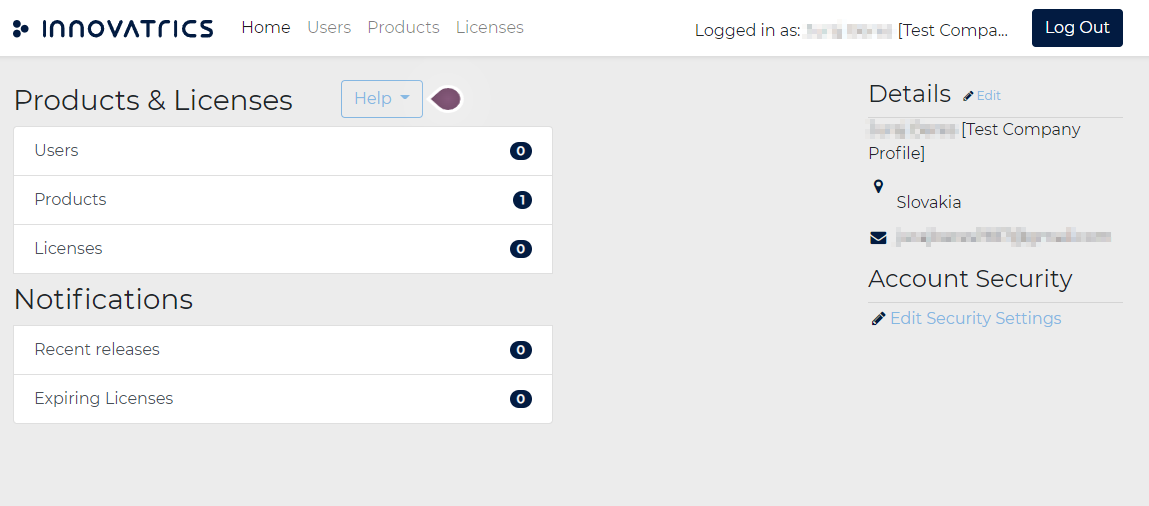
Open the Customer Portal and go to Licenses, either from the top menu or through Home > Products & Licenses > Licenses.
-
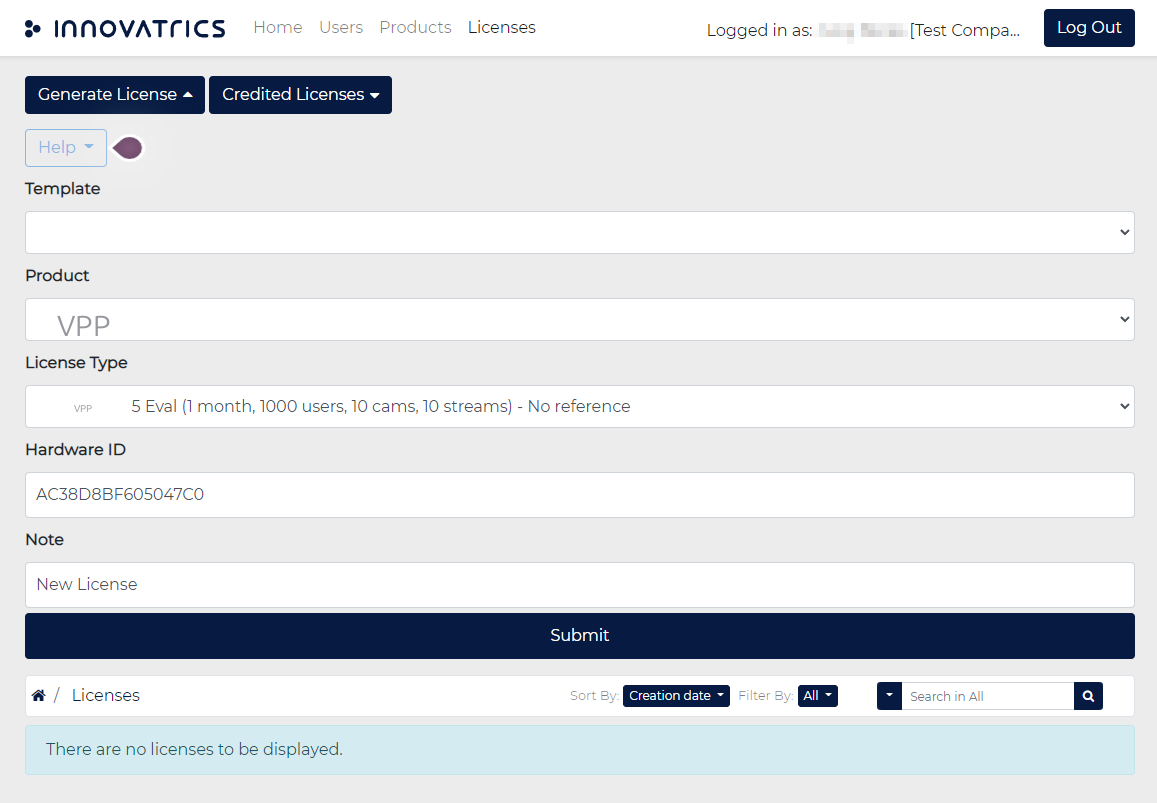
Click Generate License. Choose the product, the license type you have been assigned and paste the Hardware ID. Add a note if you manage several hosts, then click Submit.
-
The portal confirms that the license was generated. Download it from the confirmation or from the license list; the file is
iengine.lic.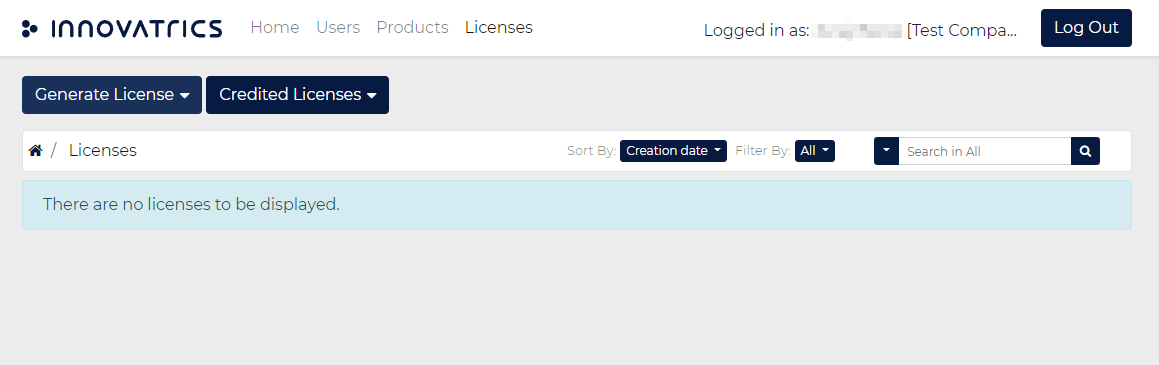
3. Place the file
Copy iengine.lic into the secrets/ folder of the release package. run.sh refuses to run without it and links it to where the services expect it. Keep the file out of version control; the package's .gitignore already excludes it.
Licenses for the Embedded Stream Processor on smart cameras are separate and bound to the camera's MAC address; see Edge installation. The terms that apply to the software are in the license agreement.